
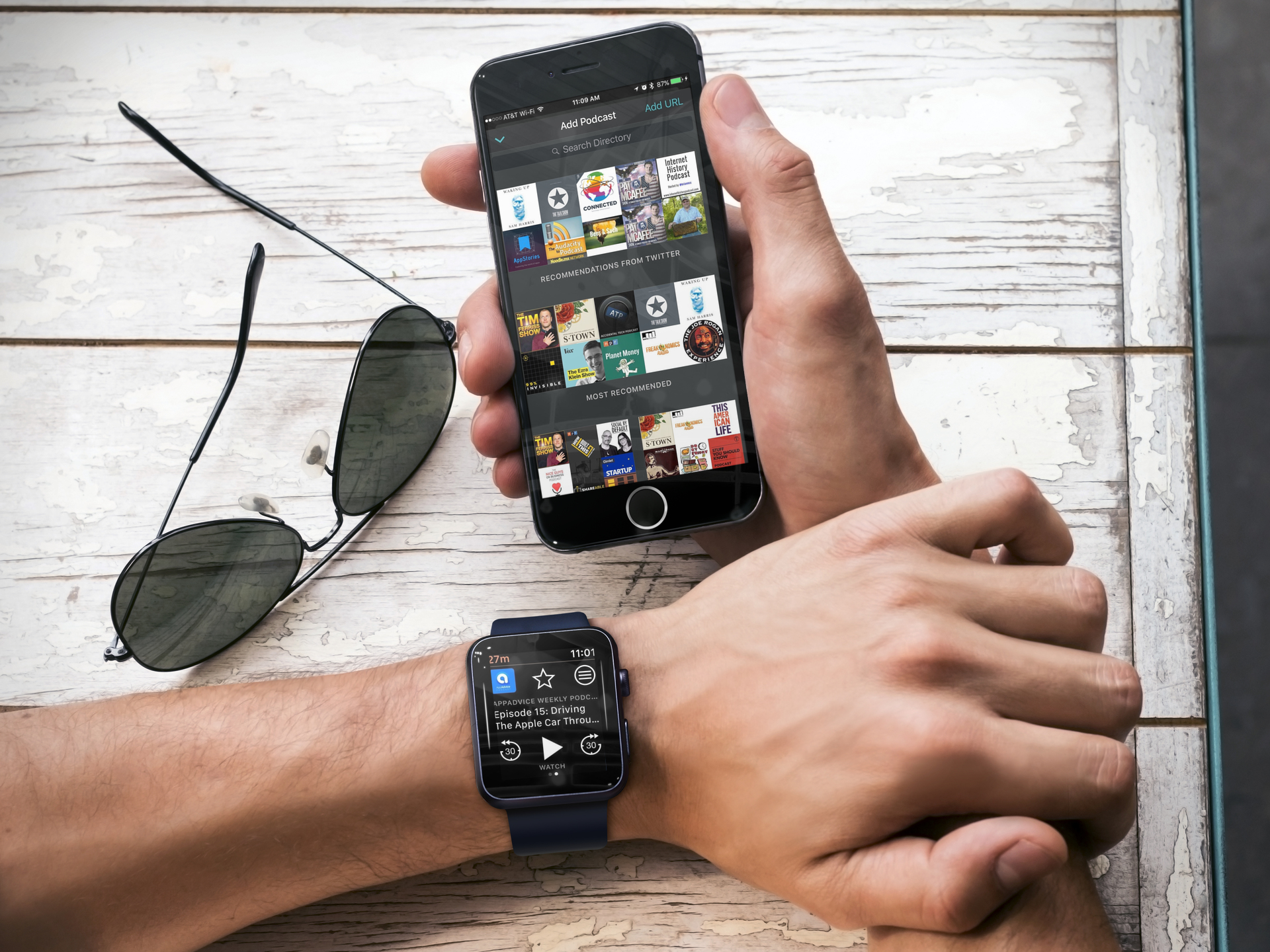

With Overcast 3.1, you can send individual podcasts to the Apple Watch for offline listening. To date, Apple’s Podcasts app still doesn’t do this, although you can send a playlist of audio files from the Music app. In other words, this is a big deal if you would like listening to podcast while on a walk or run and rather not carry around your phone.
To listen to offline podcasts on your Apple Watch using Overcast, you’ll first need to download the episode to your iPhone. Once you do, go to the Queue menu (⁺≡) and select “Send to Watch.” Pending transfers show on the Downloads screen.

Send your favorite podcast episodes to Apple Watch
Briefly playing around with the new offline podcasts feature, I noticed that there’s a slight delay between the time you select “Send to Apple…
